Gustavo's iOSPortfolio
Scroll down
or click anywhere
Hello, I am a computer science student @ the
University of Minho, and this is
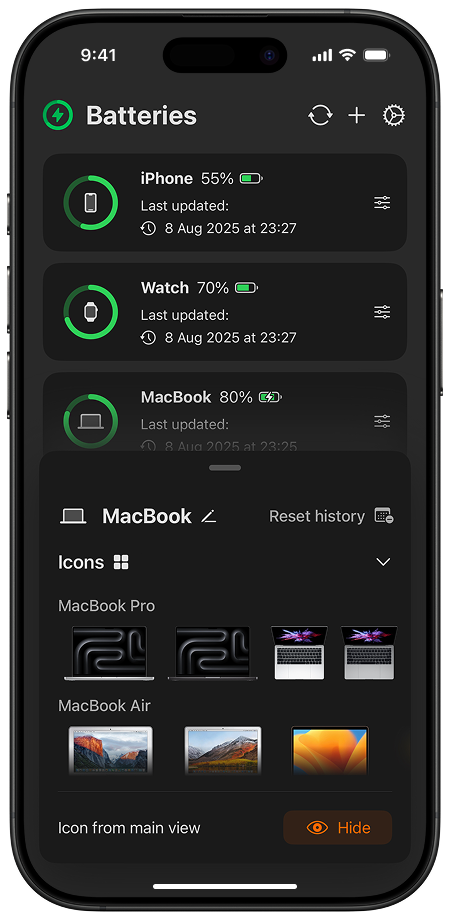
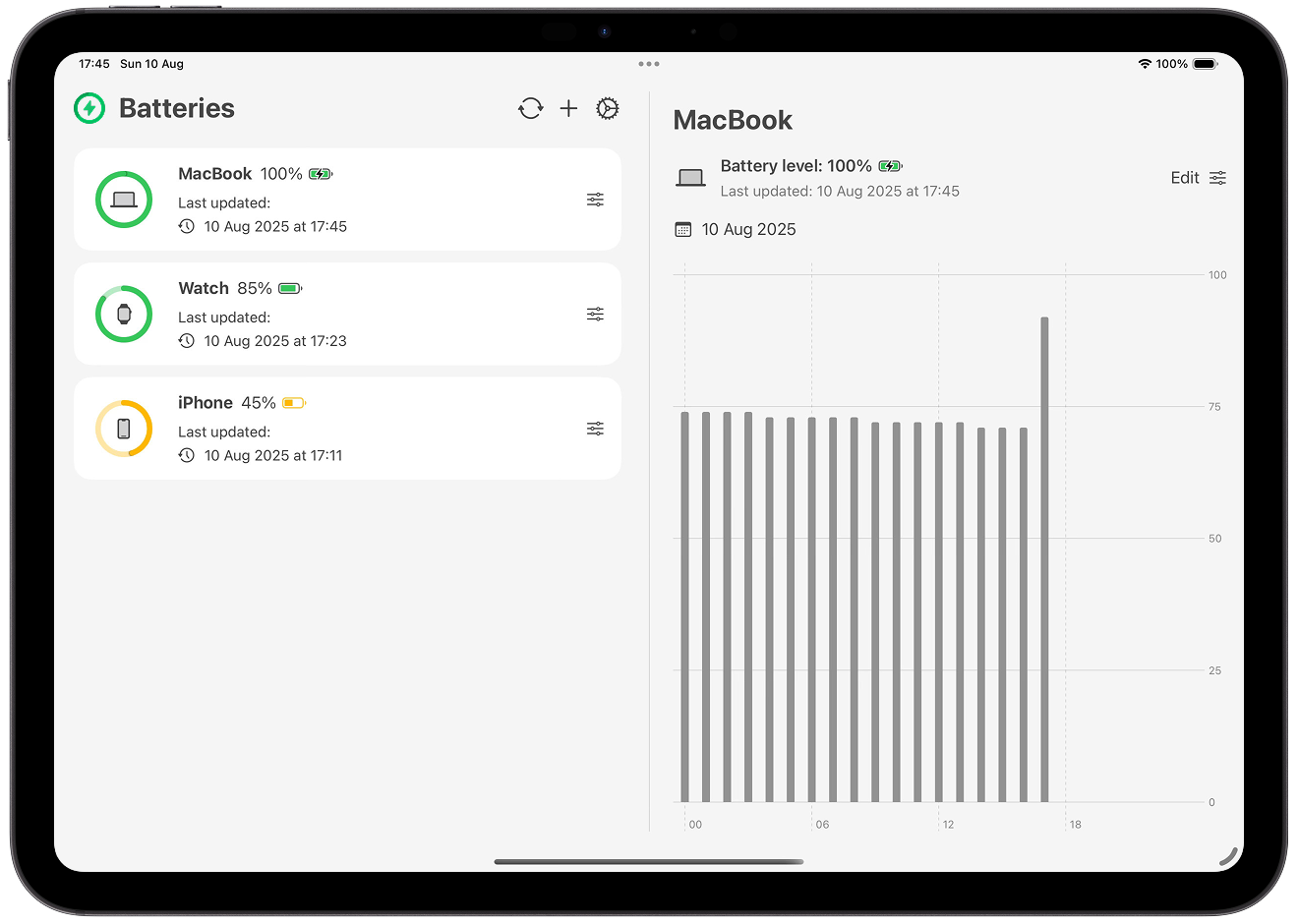
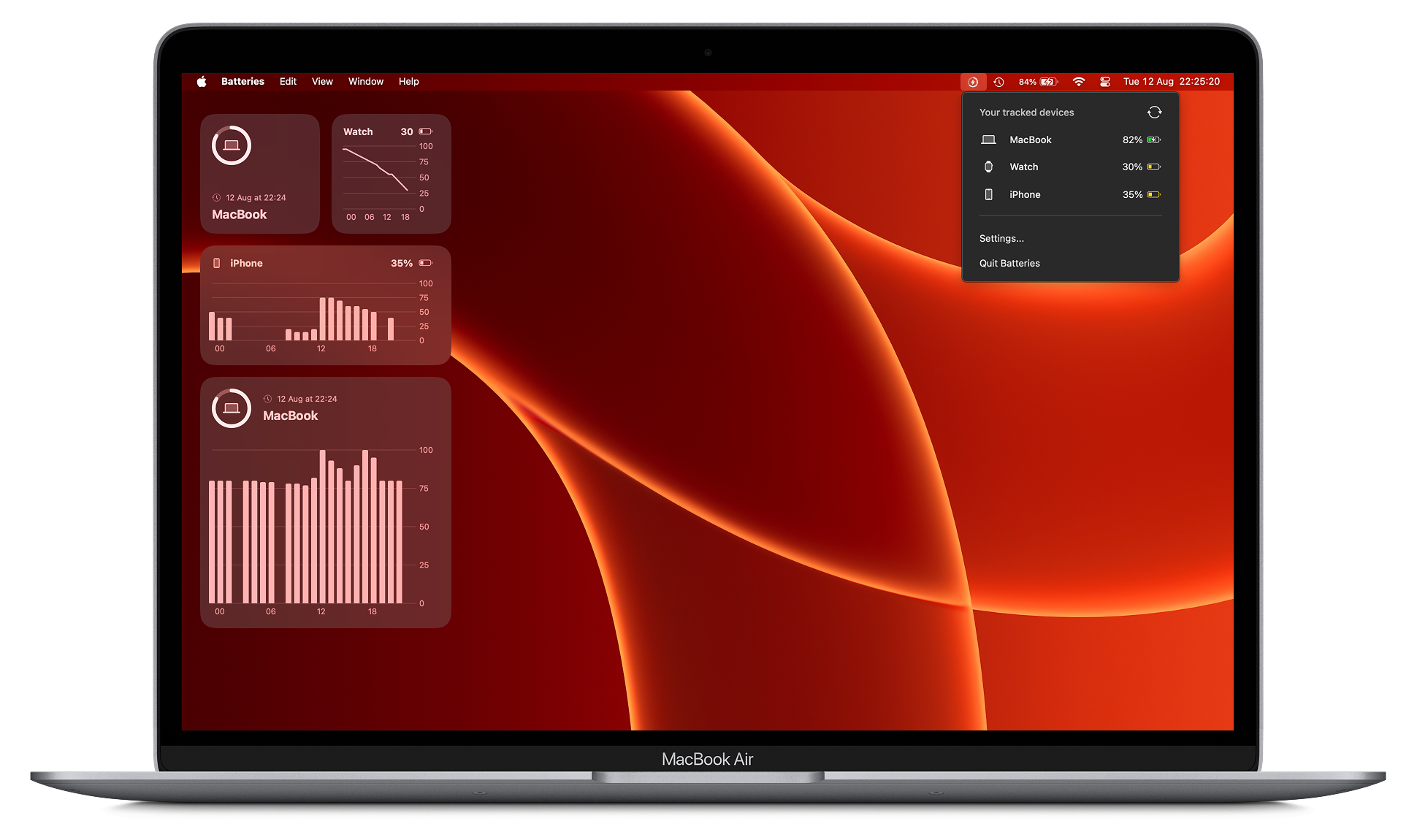
The Batteries App 
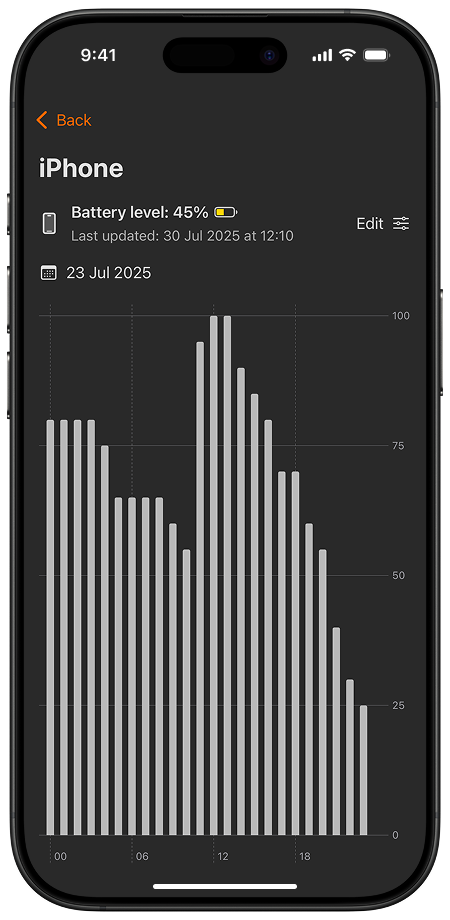
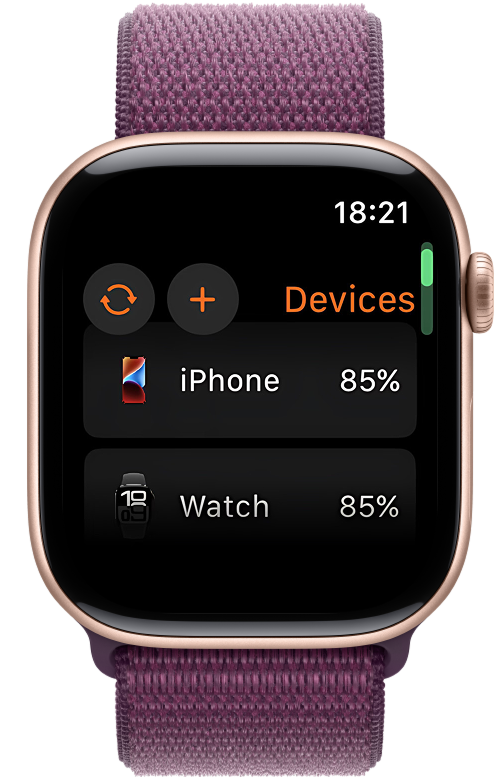
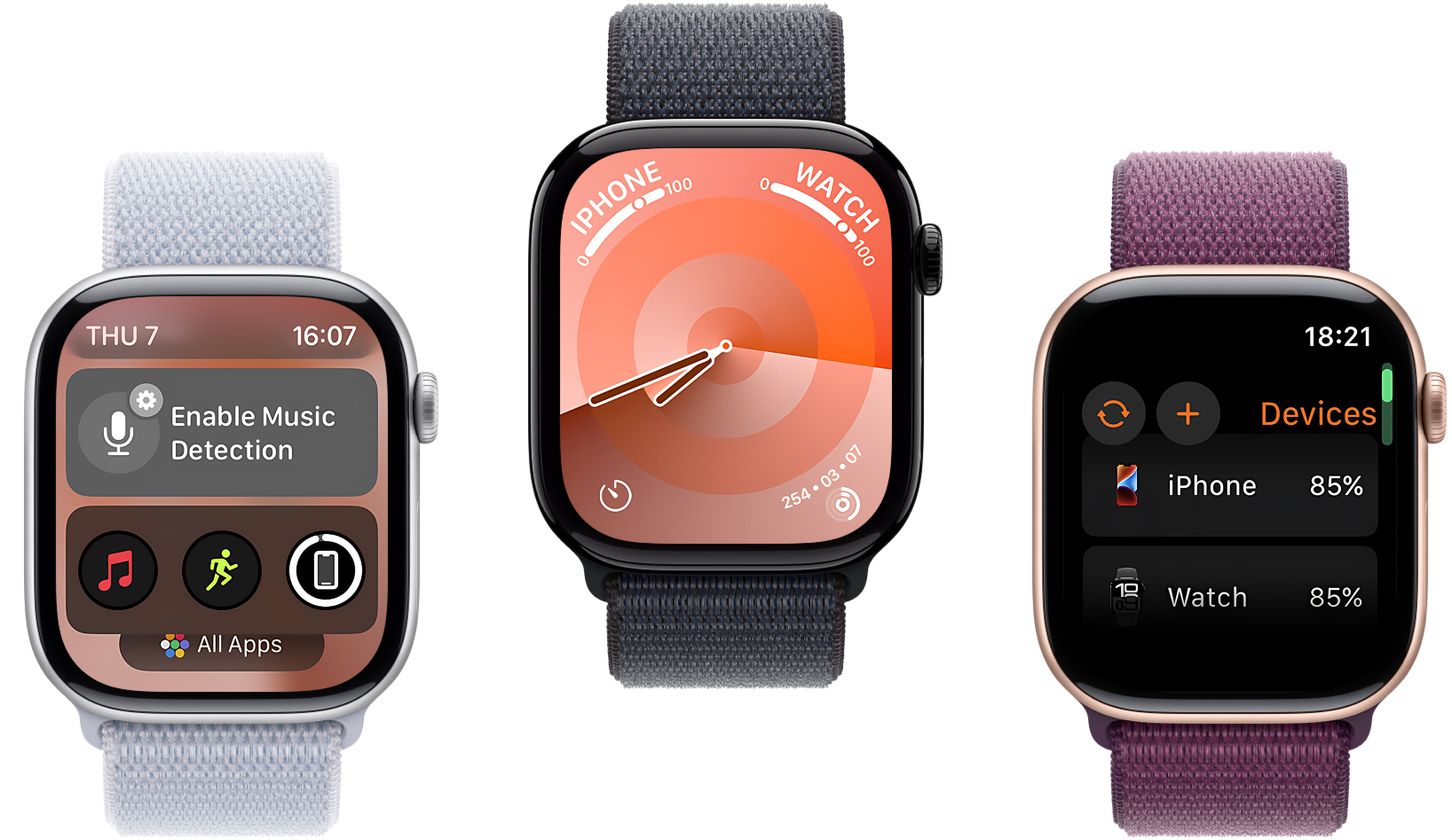
Battery Life Widgets, or simply Batteries, is Gustavo's first published application on the App Store. It was made for iPhone, iPad, Mac and Apple Watch.
The problem
Apple does not offer widgets that allow users to track their other devices' battery levels. I.e. users cannot see their MacBook's battery level in the standard battery system widget.
Leveraging CloudKit
Apple's CloudKit was implemented in Battery Life Widgets so whenever you start tracking your MacBook's battery levels, for example, it instantly appears on your iPhone.
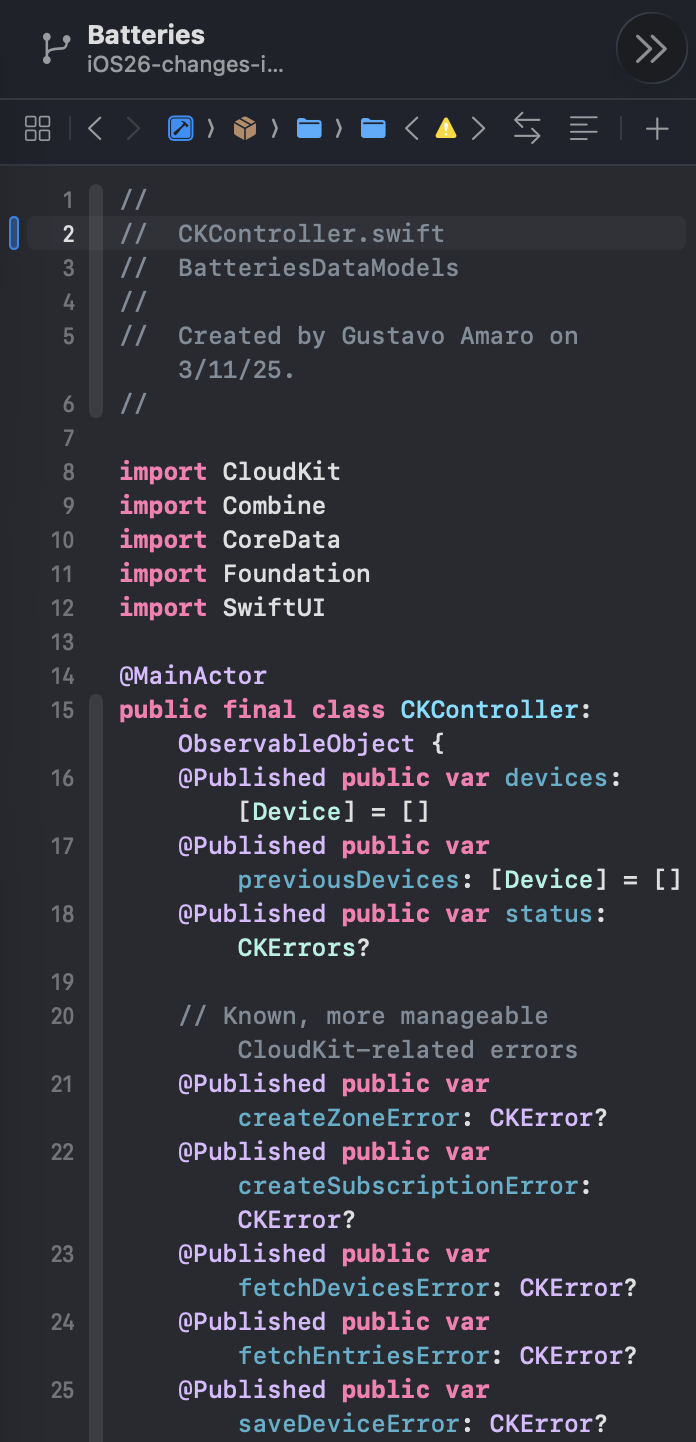
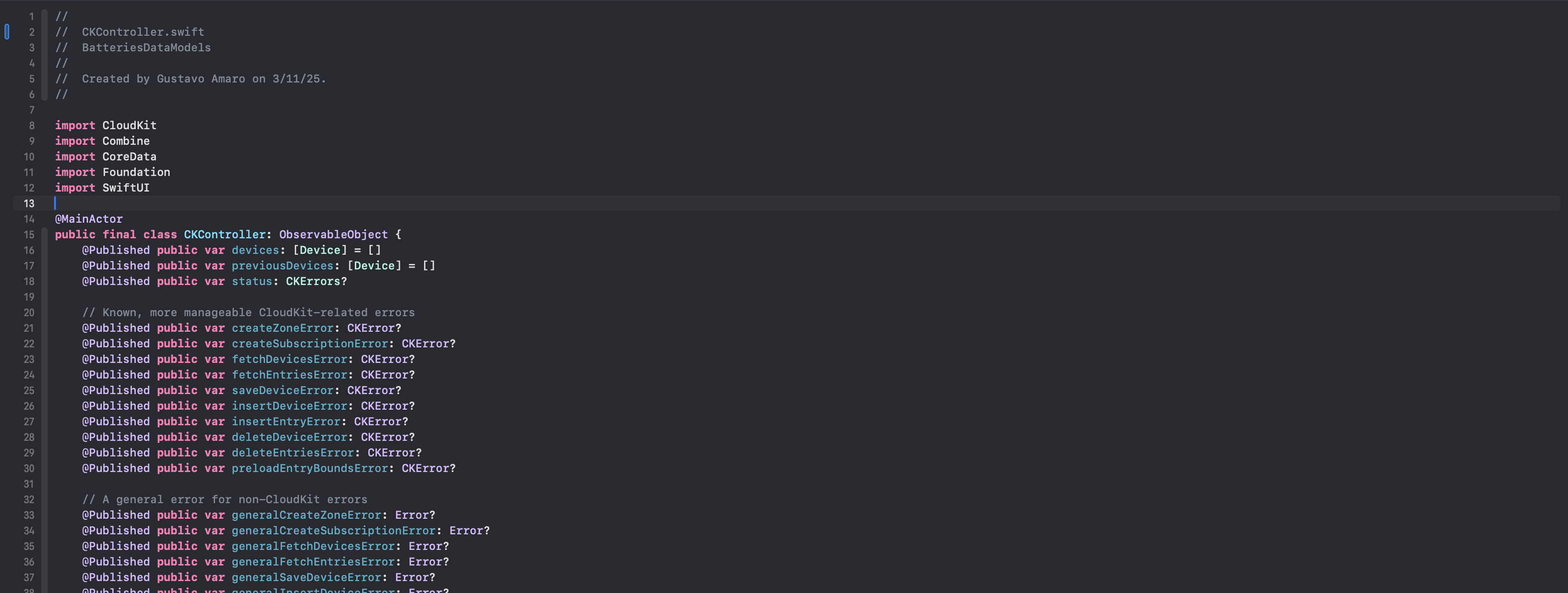
The CKController class
The goal: having a centralized way to deal with CloudKit logic. Functions such as fetchEntries and fetchDevices manage db.records calls.
Staying up to date
Other applications in the same niche often lead to outdated device battery levels. This was solved in Battery Life Widgets with background notifications.
A multi-device app
Swift and SwiftUI were used throughout all platforms. Dedicated interfaces were created when necessary, and components reused whenever possible.